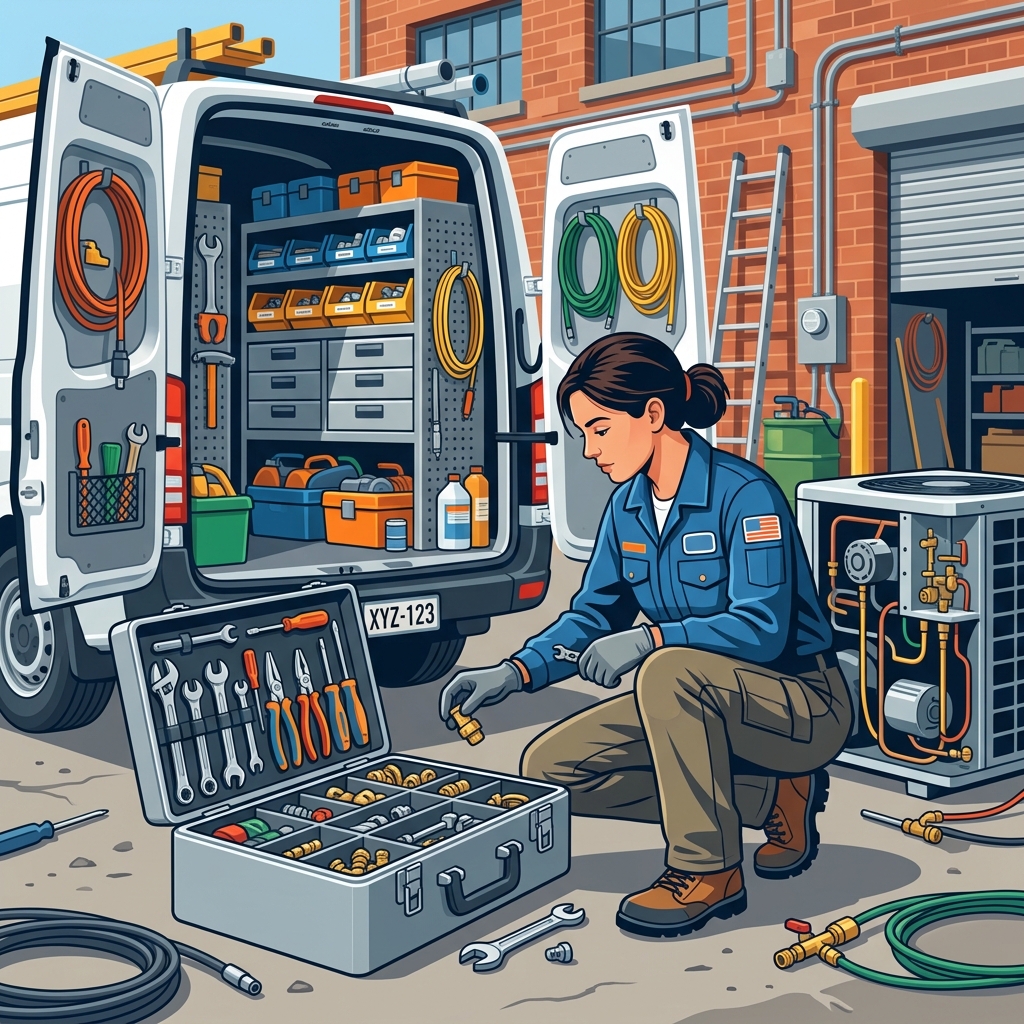
Job-Linked Parts Staging
Ensure perfectly equipped technicians. Automatically flag, reserve, and order required inventory the second an estimate is signed.
The Problem: A customer signs a $15,000 installation quote, but the communication between sales, dispatch, and the warehouse breaks down. On the day of the install, your crew arrives at the customer's home only to realize the specific condensing unit they need was never ordered, or was accidentally used on a different job yesterday.
How It Works
Opsler connects the dots between what was sold and what actually needs to be loaded onto the truck.
- Step 1: Automatic Extraction — When an estimate is converted into a job, Opsler automatically scans the line items and extracts all physical parts and materials required for the work.
- Step 2: Inventory Reservation — Those items are placed on a 'soft hold' in the warehouse. They cannot be accidentally assigned to a different work order.
- Step 3: Procurement Alerts — If the parts are out of stock, Opsler alerts the purchasing manager to order the specific SKUs for that specific job.
- Step 4: Tech Pick List — On the morning of the job, the technician's app displays a 'Staging List' so they know exactly what to grab from the warehouse before leaving the yard.
Who Uses It & Business Impact
Eliminate the dreaded 'I have to go back to the shop' excuse.
- For Technicians & Installers — They never arrive at a job site empty-handed. They get a clear, concise pick list that guarantees they have everything they need to execute the install on the first try.
- For Business Owners — A massive reduction in wasted labor hours. By ensuring perfect inventory staging, you eliminate return trips, increase your first-time fix rate, and keep the customer's confidence sky-high.
Frequently Asked Questions
The automation starts during the quoting phase. When your technician or salesperson builds an estimate, they select assemblies or services from the pricebook that contain specific parts. When the customer signs the quote, Opsler extracts those parts and links them directly to the newly created job.
Yes. Once an approved estimate converts to a job, Opsler places a 'soft hold' or reservation on those items in your warehouse inventory. This prevents the warehouse manager from accidentally giving those specific items to another technician for a different job.
If the requested parts exceed your current inventory levels, Opsler flags the job with a 'Parts Required' warning on the dispatch board. The warehouse manager can click a single button to generate a Purchase Order specifically linked to that job.
Before heading to the site, the technician looks at the 'Staging List' for their assigned job on the mobile app. It gives them an exact pick list of the materials they need to grab from the warehouse before leaving.
Related Features
Ready to Run Your Business Without the Chaos?
Scheduling, dispatch, estimates, invoicing, customer portal, and a free branded website — start completely free, upgrade to Pro when you scale.
Free forever on the Budding plan. No credit card required.