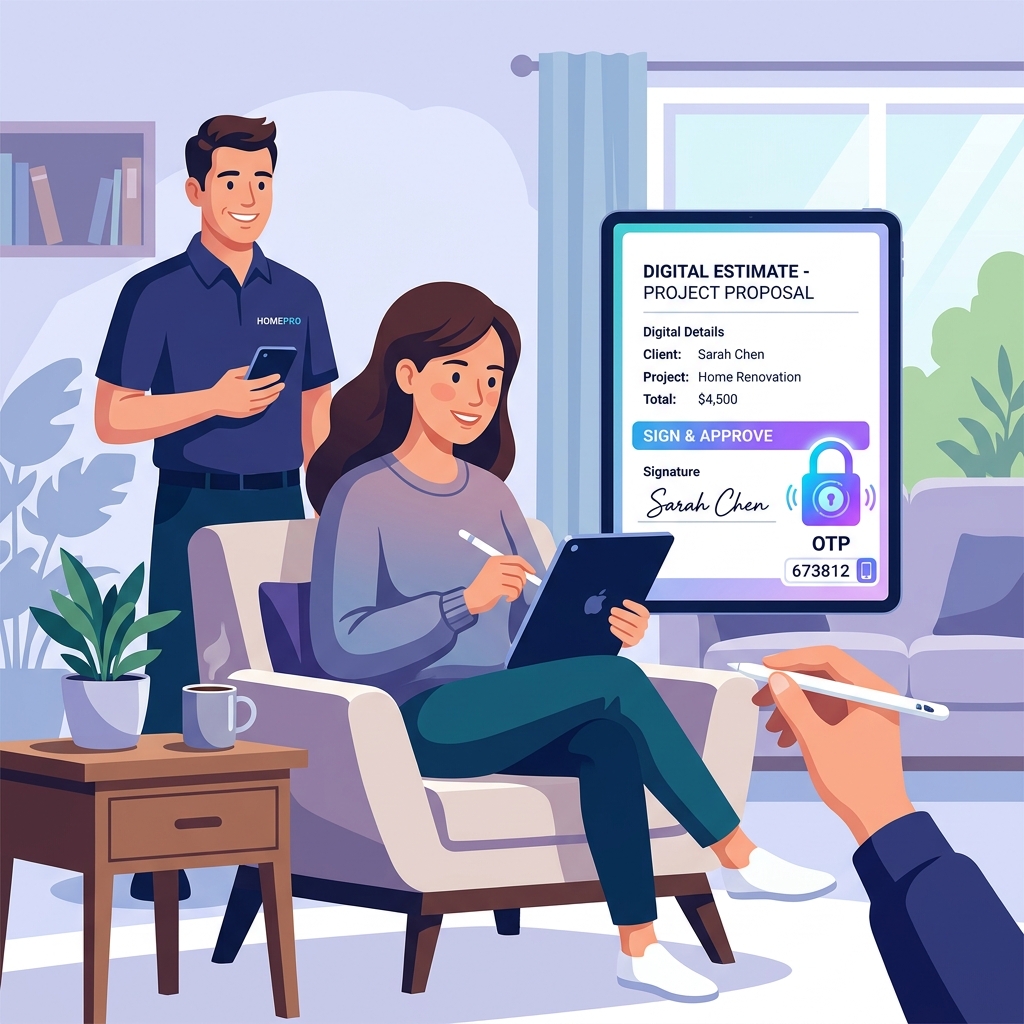
OTP Verified Digital Approvals
Secure legally binding approvals with 6-digit OTP verification and digital signatures to eliminate payment disputes and chargebacks.
The Problem: "I never approved that." It's the most frustrating sentence a contractor can hear. Whether it's a genuine misunderstanding or a bad-faith attempt to avoid paying a bill, unverified verbal approvals or casual text messages leave your business completely exposed to chargebacks and massive financial losses on completed jobs.
How It Works
Opsler provides bank-level security for your work orders, ensuring that every approval is identity-verified, timestamped, and legally defensible.
- Step 1: Send a Secure Link — Send the estimate via email or SMS. The customer receives a unique, unguessable token-based link that requires no login or app download to access.
- Step 2: Track 'Viewed' Status — The moment the customer opens the link, Opsler records the exact timestamp and updates the status to 'Viewed' so your team knows they are reviewing it.
- Step 3: Identity Verification (OTP) — To unlock the estimate, the customer must enter a 6-digit One-Time Password (OTP) sent directly to their verified email address, confirming their identity.
- Step 4: Digital Signature — The customer reviews the options and approves the work by providing a digital signature (typed name or physically drawn on their screen). Opsler records the timestamp, IP address, user agent, and device type.
Who Uses It & Business Impact
Stop relying on 'he said, she said' and start relying on cryptographic proof of approval.
- For Office Staff — Office managers stop wasting hours chasing down unverified approvals or arguing with customers over what was agreed upon. The audit trail is instantly accessible.
- For Business Owners — Owners get peace of mind knowing they have 100% legally defensible approvals. This drastically reduces the risk of credit card chargebacks and guarantees you get paid for the work you perform.
Frequently Asked Questions
No. The customer receives a secure, token-based link via email or SMS. They simply click the link to view the estimate in their browser—no login, password, or app download required.
Before the customer can view the details of the estimate, the system automatically emails them a unique 6-digit One-Time Password (OTP) that expires in 5 minutes. They must enter this code to unlock the estimate, verifying their identity.
Yes. Opsler records the exact timestamp the moment the customer opens and views the estimate. The status automatically updates from 'Sent' to 'Viewed', so your office knows exactly when to follow up.
If they decline, they are prompted to provide a rejection reason. This reason is captured in your dashboard, giving your sales team valuable feedback to revise the quote and win the job.
Ready to Run Your Business Without the Chaos?
Scheduling, dispatch, estimates, invoicing, customer portal, and a free branded website — start completely free, upgrade to Pro when you scale.
Free forever on the Budding plan. No credit card required.